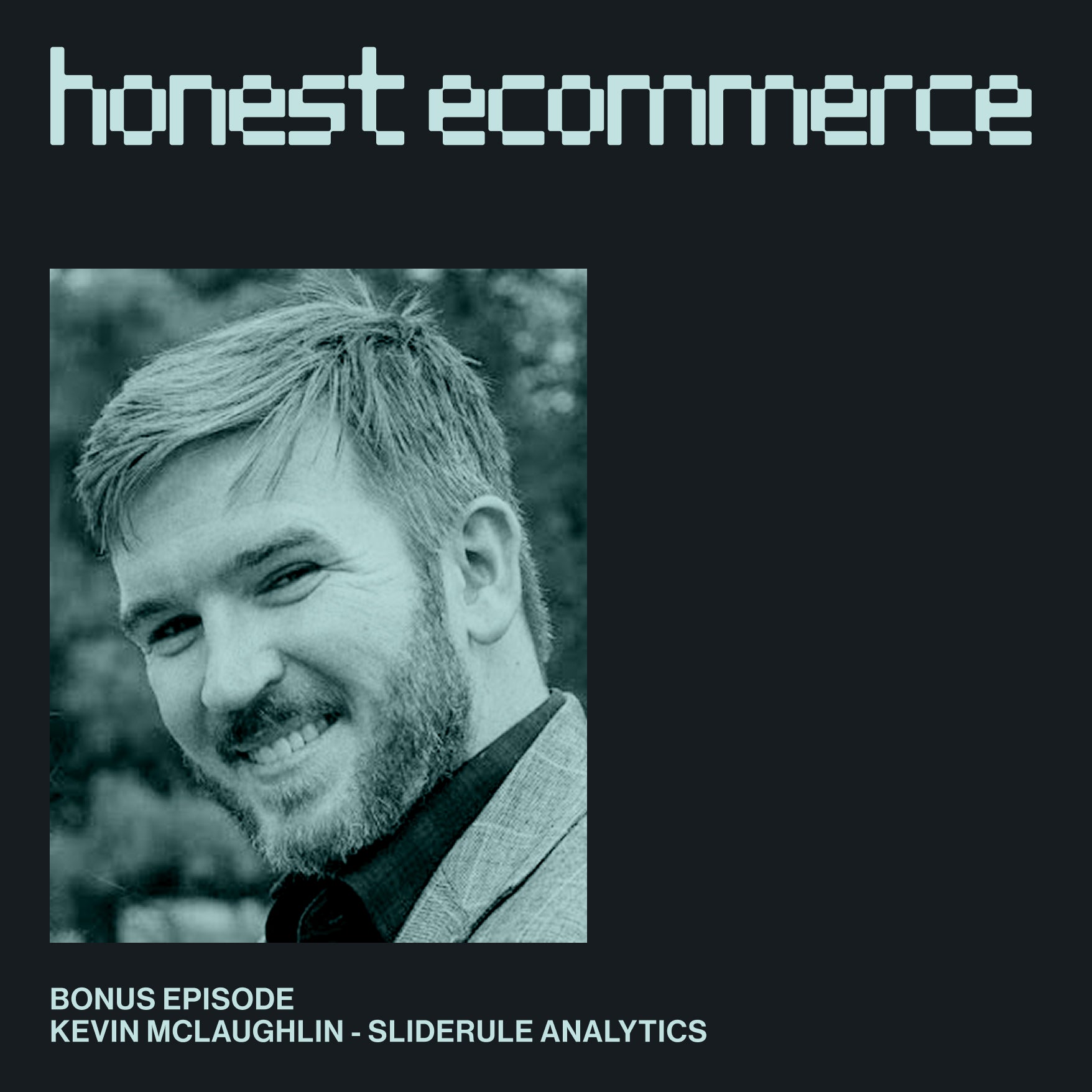
Kevin McLaughlin
I always recommend: start simple. Make sure you're getting accurate data on your most basic metrics conversion rate that you can slice by Facebook ad campaigns and things like that. And then add complexity as you go. And don't just jump in the deep end with complexity.
Chase Clymer
Honest Ecommerce is a weekly podcast where we interview direct-to-consumer brand founders and leaders to find out what it takes to start, grow, and scale an online business today.
Hey everybody, welcome back to another episode of Honest Ecommerce. Today, I'm welcoming to the show Kevin McLaughlin. He is the CEO of SlideRule Analytics.
Kevin, welcome to the show.
Kevin McLaughlin
Thanks for having me.
Chase Clymer
Absolutely. Now the name SlideRule Analytics, I'm assuming it has something to do with analytics. But could you just quickly let the folks listening at home know what is the problem that uh your company is solving for?
Kevin McLaughlin
Sure. The specific problem that we solve is getting accurate data into Google Analytics. The general problem is helping Shopify stores, of course, use analytics to improve their stores profitability. So those are the two things.
Chase Clymer
Absolutely. oh We are huge fans of slide rule analytics over at Electric Eye, our agency. It's almost getting to the point where it's a requirement to work with us on Retainer.
But we'll get into more reasons as to why that makes our lives easier a little bit later on.
But Kevin, why should I believe you? How do you know so much about analytics and Google Analytics?
Kevin McLaughlin
Sure. Yeah. I've spent over 10 years working on Google Analytics. Like most people that started, I was just a developer, front-end, backend developer. And I deployed my website, just a little blog, 13 years ago at this point.
And I looked and I was like, oh, it'd be interesting to know who's coming to the website, where are they coming from, stuff like that. So I added Google Analytics. So of course, Universal Analytics, Google Analytics 4, thankfully, didn't exist back then.
And when I started doing that, I started to want to learn more about what people were doing just on my simple blog. And that's how I started working with Google Analytics.
Before I started full time on Google Analytics, I was a product manager at various software companies. And I always implemented the analytics because with Google Analytics, we didn't know what was going on, right? It was always the simple question: how are people using the site? Where are they coming from?
Really, those sort of basic questions are often the ones that are hardest to get good answers out because they require accurate tracking. Which is something we focus on a lot.
So I've been doing this for about 10 years with Google Analytics generally, and then Shopify specifically since I started my consultancy in 2019. So that's over seven years ago at this point.
And I just noticed that the built-in Shopify integrations did not capture the same questions just keep coming up. Why doesn't revenue in Google Analytics match what's in Shopify, right? Google Analytics, there's a little bit of data in Google Analytics, there's a little bit of data in Shopify, why don't they match? And I started working on that problem.
And then when we switched to Google Analytics, that's when I developed the app. So I have a deep history with Google Analytics specifically. And then obviously Google Analytics 4 built this app specifically for Shopify to send data server side so we could answer that specific problem of just putting it to bed. So we could say, look, revenue in Google Analytics does match Shopify. Now use Google Analytics to answer your questions.
And we can talk about how we do that and things like that. But it takes a lot of knowledge of both Shopify and Google Analytics in that case.
Chase Clymer
Yeah, absolutely. I think that I could hear it in your voice and maybe see it in your face as we're recording this.
Where you said you started on Universal Analytics and GA4 wasn't there yet. I think everybody that was using Google... Was using Universal Analytics and then got forced to use uh GA4 when they finally sunsetted it. There was a big difference and a big disconnect.
A lot of people like to say that Google launched a half-baked product, but it also has a lot to do with how the internet works these days.
For a layman like myself, explain why we have GA4 now? Why couldn't we keep Universal Analytics? And what was one of those big... What were those shifts that caused it to be so different?
Kevin McLaughlin
Yeah. So there were a lot of things that happened. Universal Analytics was sort of… the core pieces of Universal Analytics were developed way back even before 2010 when Google bought UTM, Urchin Tag Manager. The internet has changed a lot since 2010 up until 2022.
And that is why Google updated, felt like they needed to not do just a version update, but really rewrite the whole product from scratch. It really has to do with the internet's changes.
The big ones are, everything's a single page app, not everything. But websites have become a lot more interactive since 2010 and they don't do what's called a full post back where you just reload the full page every time. There's a lot of, you know, they're called Ajax requests or the extreme end of that is that you have fully single page apps or spas. Sometimes they're called. So that's one big change.
Universal Analytics wasn't really built for that. It had some technical issues with single page apps that were surmountable if you knew what you were doing, but they could cause problems.
And then the other big thing was privacy. The privacy landscape has obviously just changed dramatically. uh Some of Google Analytics 4 is trying to help users of Google Analytics get good data in spite of privacy.
Some of it is, frankly, Google trying to cover their own butts with privacy because they're collecting a lot of data. It is on Google servers. It's not technically first party data. So Google has to be careful for their own sake. So the other big one I would say is privacy.
And then I would just add a third thing that Google Analytics versus Universal Analytics made this shift from a session based model that was Universal Analytics to an event based model. Now this, I think, is probably the biggest sort of thing that makes people frustrated that maybe they don't understand the difference, but it's the thing that frustrates them the most is that Universal Analytics was session based.
So it was really like if you went and you looked at the rows of the database in Google servers, one row would be a session. And events were kind of shoehorned into that session. Even the Universal Analytics e-commerce protocol, it's kind of weirdly tacked on to two sessions.
Google Analytics 4 is if you went and you looked at those rows in the database, they would all be events. They're just raw, just one row per event. There's a purchase, there was a page view, there was a button click, all of those just show up as events.
All modern analytics platforms are event-based. None of them are session-based anymore. It does make it theoretically more powerful.
But for Shopify stores in particular, session concepts are very, very useful. So not having that as a core concept, I think, really soured people on the beginning of when we made this transition to Google Analytics.
Now, a lot of things have been updated since, so you can recreate a lot of those metrics. But I would say that was sort of a technical reason why there was so much friction for Shopify stores in particular, because Shopify stores often, not always, but most Shopify stores are about sessions.
If you take a very simple Shopify store, someone clicks on an Instagram ad, they come to your Shopify store and they make a purchase within that session or not. Over-simplifying, like I said, that's a simple Shopify store. That's not the case for a software app.
And where someone comes and submits a lead and then maybe comes back and things like that. That sort of shift for Shopify stores in particular made things a little clunky, a little unusual.
And then the other big shift that just caused a lot of tension. And I will just say, I think Google just blew it on this, is uh they completely changed the user interface. All of this technical stuff that I've been talking about that's under the hood. All the reports just looked like they were gone.
Like there were no e-commerce reports anymore, especially when it came out. ah And so it lost that really sort of nice, easy to use, pre-built reports that just sort of worked out of the box when you installed Google Analytics and Shopify. All that was just gone.
I think that's probably the main thing that frustrated everybody is Google Analytics 4 was, I think, a little bit more built for analysts such as myself, where you could go in and create your own custom reports to your heart's content. But they took away a lot of the custom reporting.
And I think that is the main thing that frustrated a lot of Shopify stores in particular.
Chase Clymer
Hey everybody, just a quick reminder. Please like this video and subscribe if you haven't. We're releasing interviews like this every week, so don't miss out. Now back to the interview.
Chase Clymer
Yeah, I think there's a lot of frustration. But I also think that there might be a little misinformation out there that… I might have said this before, but it isn't true, which is that Google Analytics 4 sucks, and that you can't use it.
And I think that's a big misconception. And that's what I wanted to… that's at the heart of what I wanted this conversation with you to be. To be like, okay, why does it... For your typical Shopify store, why does it suck out of the box? Why does the integration between Shopify and GA4... What's the issue? And then how do we make that better?
Kevin McLaughlin
Yeah. Absolutely. Great question.
I would say really, it goes back to this… Getting the reports that you need. That is the first and foremost thing that comes to my mind about why people had this impression that Google Analytics 4 sucked. It’s because you would log into Google Analytics and just be totally confused about how to do anything in GA4.
And I think even the name was a little bit misleading. GA4, that sounds like an upgrade. Sounds like it's just the new version. It's really a completely different product. It has nothing to do with Universal Analytics at all.
And so I think that the main thing that I would recommend people do is make sure that you can start getting the reports that you need out of it and not just go… you log in and you’re like, “Where is that report I used to have? It's not there anymore.” And so you need to either recreate it yourself or have someone create it for you.
Or what SlideRule does is recreate basically the Universal Analytics reports using the GA4 reporting API. So that one is to just get over the shock of the UI and the different reporting interface and accept that you're going to be building custom reports.
The out of the box reports for GA4, I think are... I don't use them at all. Unlike Universal Analytics, where you certainly would.
And I would just say that's also the real power of Google Analytics 4. Going back to this event-based model a little bit, it is actually much more powerful at building custom reports. That's what they were trying to do. So those are the explorations in the GA4 interface. So it is much better at that.
The problem is that it just doesn't have the default reports that people were used to looking at.
And then the other reason… This is not so much a Google Analytics 4 thing. This goes back to… Universal Analytics had the same problem, and has a lot to do with privacy and things like that. But it's always been a problem getting accurate data into Google Analytics, right? It's always been the case. Getting accurate purchases in Google Analytics has been a problem its entire history.
And so for that, the other piece is setting up tracking and making sure it's tracking what you need to track upfront. Because as I always tell clients for anything, not just Google Analytics, “If the tracking is not working, we can fix it today, butum we can't fix it backwards.” We can't go fix historical data in Google Analytics or any tracking platform.
So that's the other piece: just getting tracking set up and working and making sure that it's accurate enough that you can get the reports that you need.
Chase Clymer
Absolutely. And that is where we not bully our clients, but bully them into, like, “We got to make this work because this information is super useful, especially as you start getting into iterative optimization and doing split testing and things like that.”
A question that I have for you is, what is the difference between GA4's data capture and the Shopify connectivity out of the box versus introducing server-side data collection? And did I even ask that question the right way?
Kevin McLaughlin
Cool. Yeah. No, that's perfect. So there are two ways to send data to Google Analytics and also all your other platforms, including Facebook, Google Ads, and whatever. There's the client side and there's the server side, right? And a lot of people have probably heard those terms before.
It's a lot of confusing terms, but all it means is the client side just means the user's browser. So when I go to your Shopify store, if you have a client side integration set up, the hit to Google Analytics' server goes straight from my browser straight to Google Analytics' server, right? Because it's running in my browser. The little snippet of JavaScript runs actually in my browser.
Server-side, there's different ways to implement server-side, but I would say a true server-side integration doesn't run from the client's browser. It runs…it will…
A true server-side integration or the benefit of it, is you could read from the actual Shopify orders table that you see. You could read those orders, and you could send them to the Google Analytics servers directly.
Now, the advantage of client-side is it's easy, The advantage of client-side is it's simple. And pretty much for the entire history until about 2020, all pixels, marketing platforms, things like that, it just fired client side events. They didn't really have server side options.
So the advantage there is it's easy. It's very cheap because it's just a little snippet of JavaScript running in someone's browser. And that's what you get with the default Shopify integration.
And I would say it's honestly, it's totally fine. For again, if we just went back to our very simple Shopify store where someone is coming from an Instagram ad and making a purchase within the same session or not.
So if you were a very simple direct response Shopify store, you'd probably be fine with that. Where it gets complicated and where you start to see gaps between the revenue and the purchases in Google Analytics and the purchases that you actually see your source of truth, Shopify, is if you have upsells, for instance.
So like I said, the client side means that it fires on the browser. So it fires on the order status page in the case of Shopify.
Well, if you have an upsell page, the way they're implemented in Shopify is that there's a page after checkout but before the confirmation page that upsells the person on an order, right? Says, “Hey, would you like to add something to your order?”
What most clients do, what most users, I should say, do, is just close the tab. They don't deny the upsell or buy something. Maybe 80% of people just go out, not interested, and they close the tab. Well, if you do that, they never got to the order status page, so the purchase event never fired. So you're just missing 80% of orders that you would want to send to Google Analytics there.
Another example would be of course subscriptions. In the case of subscriptions, there is no client, there is no browser session associated with the second, third, fourth orders. So if you want those to go into Google Analytics, you have to fire them server side. There is no option but to fire them server side.
And there's probably 50 other examples of just little complications that make your store unique, that make it so you don't get super accurate data in Google Analytics. The issue there is now you can't analyze where orders are coming from. You could get true revenue from Shopify, of course. You wouldn't use Google Analytics to file your taxes, but you can't get the association with attribution that you get in Google Analytics or the funnel.
So the funnel goes from, “Where's the drop off in the funnel? Are people dropping off because of the one-click upsell pages?” or something like that. And then also other platforms often rely on Google Analytics, optimisely, other A-B testing tools.
Google ads all rely on Google Analytics data. So if you're missing orders, you're missing out on the opportunity to analyze those orders in Google Analytics, but also leverage those downstream platforms and get useful A-B testing and things like that.
So the real benefit of server side tracking is that it's more accurate. It has to be more accurate because what you do is pull data from the actual source of truth, in this case Shopify, and send it over to Google Analytics, the servers directly. So you don't miss the revenues correctly and et cetera.
There are other benefits too. You get the full everything about that order at that point. And you can do sort of interesting stuff with customer segmentation and things like that. It's really secondary to this, like, knowing that you're pulling from the source of truth.
Chase Clymer
Absolutely, Kevin.
And I just want to speak on your behalf that what Kevin is sharing here, you can do this on your own. You don't need to use a solution like SlideRule. But I'm a big believer, especially for most modern merchants, ‘Rent don't buy’, because it's Kevin's job to follow Google's updates and fix his product. But if you pay someone to do this once custom, it will inevitably break because these things update, I'm guessing, fairly often.
And so that's why when we are working with clients, we push them towards Kevin's solution, SlideRule Analytics, and it just works. It's very great when there's a solution out there that just works. So that's why I wanted to have Kevin on the show today.
But yeah, guess a quick follow-up here before we sign off, Kevin, would be like, for the typical Shopify store, how much effort should they be putting into analytics and fixing all this stuff?
Kevin McLaughlin
That's a great question. So I would say it depends where you are as a Shopify store. To be honest, if I were just starting the Shopify store today and I was just... Your main thing is how are you going to acquire customers? You don't need a lot of sophisticated analytics. I would probably just use the Google Analytics out of the box Shopify integration.
I would set that up and I would just use that until I got to the point where I just could not realistically analyze that data because of some of the complications that we were talking about. It's probably where I would start, right?
And your main focus at the beginning is just going to be how are you going to acquire enough customers before you are justified in spending a lot of effort on analytics.
As you move up the chain, you add complexity. You add more custom reports. I think the biggest mistake that I see people make in analytics is not getting the simple things right first. Something that comes up all the time is people are really worried about the checkout funnel and everything.
You know what? At this point, unless you're a very sophisticated Shopify store, you're using Shopify's checkout. You probably need to understand what your overall conversion rate is before worrying about: Is this extra payment plan that I have on my checkout causing more or fewer people to convert?
There's a little micro-optimization. Obviously, they end up being super important at the end. But from an analytics perspective, you're not going to learn a lot if you still don't know what your conversion rate is, what your overall conversion rate is. So starting with the simple and then working into complexity is always great. There is no magic bullet that will tell you what's happening on my website today.
It's always a question of setting up the data, interrogating the data, building reports to answer those questions. So I always recommend starting simple. Make sure you're getting accurate data on your most basic metrics, conversion rate, that you can slice that by Facebook ad campaigns and things like that. And then add complexity as you go.
And don't just jump in the deep end with complexity.
And by the way, that applies to very large stores that I've worked with that, really, the first question coming in the door they have is like, “Look, we just don't have a conversion rate metric we can trust.”
So if that's you, don't be embarrassed. It happens all the time. Just know that always make sure you're getting your basic metrics lined up first before adding complexity.
Chase Clymer
Absolutely.
I think that is... Younger merchants in their business journey, oftentimes, the hard thing is getting customers and selling and doing those unscalable actions at the beginning. So they like to get lost in this idea that busy work is producing results, which is a funny thing entrepreneurs do and it doesn't. What produces results is selling the product.
Especially in the beginning, you have to focus there. And I could see reports and analytics being a rabbit hole that you can spend an infinite amount of time, whichfor zero gain, if you're not actually getting out there and getting sales. So I 100% agree there.
And then another thing I really want to identify here is getting all the data accurate and getting all these reports is meaningless if someone isn't sitting down and looking at it and knows what they're looking at. And that is a different skill set. That's a different education that you have to do.
So I would say that I don't want to put a misconception out there that getting your data correctly with a tool like SlideRule is going to instantly tell you how to improve your website. You still have to have a human look at this stuff and make informed hypotheses about what the next thing is.
Kevin McLaughlin
Absolutely. It's always hypothesis testing and interrogating those hypotheses with data. That's what you're doing. So I totally agree. It's never automatic. There's no plug and play. You add this and your conversion rate is going to magically go up. Even with AI, it doesn't happen.
Chase Clymer
No, not at all.
Now, Kevin, what if I'm out there, I'm a merchant, I'm listening to this podcast and they're like, “I would love to trust my numbers in GA4. How do I get a hold of this guy? What do I do?”
Kevin McLaughlin
Sure. Well, you can look us up if you search for Google Analytics 4 in the Shopify store. Our app is SRAGA4. So that's a great way to find and install it. It takes probably... I've timed myself. You can do it in less than 90 seconds, all the way from start to finish, install the app all the way through, and have Google Analytics set up.
But of course, anyone can feel free to reach out to me. My email is. But really, you can reach customer support at slideruleanalytics.com. We answer there as well. But those are the two best ways to get in touch and I’m happy to help anybody set up Google Analytics, check it, make sure it's working, answer any questions they have.
If they have another tool and they want to know, “Hey, why isn't the default Shopify integration giving me what I need?” I'll be happy to answer those even if you don't end up using SlideRule in the end.
Chase Clymer
Awesome. Kevin, thank you so much for coming on the show and sharing all those awesome insights.
Kevin McLaughlin
Absolutely. Thanks for having me.